
-
Q1: What is okki-go, and who should actually use it?
-
Q2: What's the most common okki-go configuration mistake?
-
Q3: What does an "okki-go outreach preparation workflow" actually look like?
-
Q4: What should I look for in a LinkedIn automation platform?
-
Q5: What is a buying intent signal, and why do most teams misread it?
-
Q6: What is email warmup, and when should a B2B team actually use it?
I've been running outbound operations for B2B teams since 2020. In that time, I've personally wasted about $14,000 on tools that didn't work as promised, sequences that tanked domain reputation, and intent data we didn't know how to filter. I keep a checklist now — this FAQ is basically that checklist in article form.
Below are the questions I get from other ops leads, SDR managers, and agency folks almost every week.
Q1: What is okki-go, and who should actually use it?
okki-go is an AI sales prospecting platform — lead gen, waterfall enrichment, buying intent signals, and automated outreach in one workspace. Think of it as the layer between your CRM and your outbound sequences.
Here's the thing nobody tells you upfront: it's not a plug-and-play replacement for SDRs or RevOps people. I made that assumption in early 2023 and burned three weeks setting up a workspace before realizing our sales team couldn't even agree on what a qualified lead looked like.
If you're sending 50 manual emails a week from a static list, okki-go is overkill. If you're managing thousands of contacts across multiple SDRs and need to know who to hit first, it earns its keep. The boundary matters: if you're still figuring out your ICP, no tool will save you from doing the wrong thing faster.
Q2: What's the most common okki-go configuration mistake?
The waterfall enrichment defaults. Most people set it up to check one data source, get a match, and move on. That's why their email match rates sit around 40%.
I configured ours to cascade through three sources in priority order, and our verified email match rate went from 41% to 78% within a week. But then I made a second mistake: I synced the enriched data straight into sequences without running email verification. We sent 1,200 emails in week one with an 11% bounce rate. Took two weeks to clean up manually.
The configuration that works for us now: waterfall enrichment first, email verification second, intent signal filtering third. Don't collapse those steps. Also — check your intent signal threshold setting. Ours defaults to "medium and above," which fills your list with people who might be curious but aren't buying. We raised it to "high and very high," and our reply rate nearly tripled while volume dropped by half. I'd rather send 200 emails that land than 1,000 that don't.
Q3: What does an "okki-go outreach preparation workflow" actually look like?
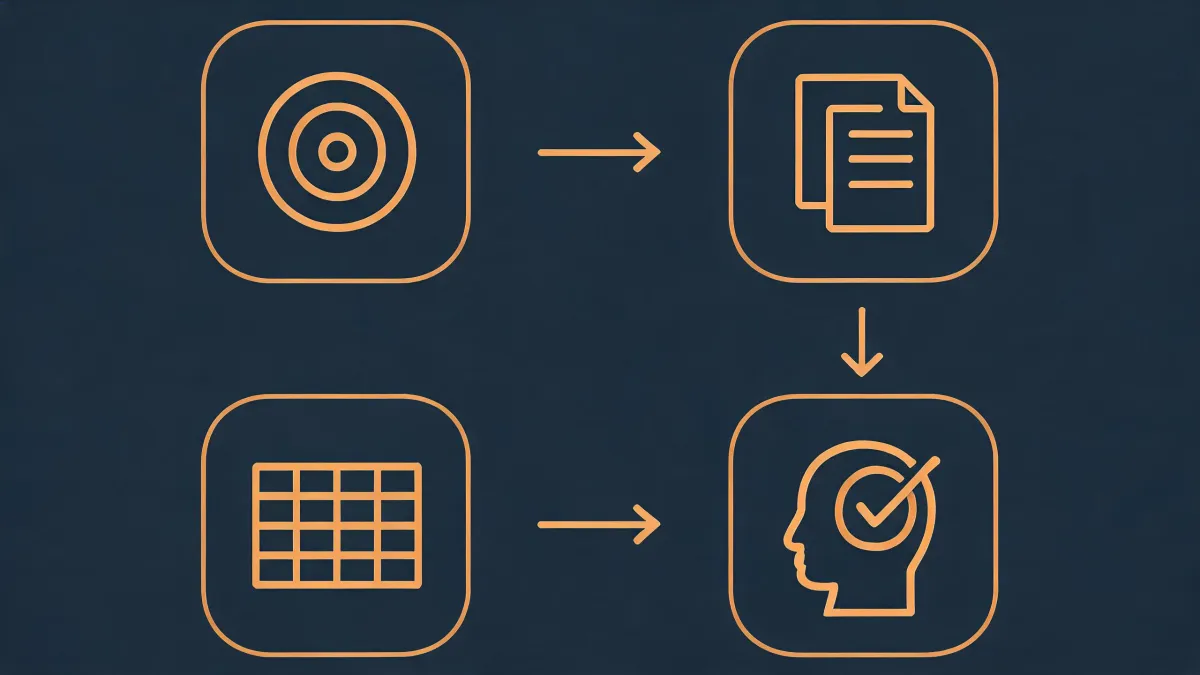
It's everything you do before you touch a contact: defining ICP criteria, building exclusion lists, setting personalization variables, mapping send cadence, and assigning ownership across SDRs.
In 2022, we spent $6,000 on prospecting seats and wasted almost all of it because we had no workflow. One SDR was pulling from Sales Navigator, another was using an old CRM export. They emailed the same accounts on the same day with contradictory messaging. That's the kind of mistake that doesn't show up in a dashboard — it shows up in angry replies.
I built a seven-step pre-launch checklist after that mess. It covers: ICP definition (with positive and negative examples), competitor and existing-customer exclusions, variable testing on at least 20 sample records, send-time mapping across time zones, reply-handling routing, and a 48-hour hold before any sequence goes live. Not sophisticated, but it cut our wasted outreach by roughly 60%.
The workflow isn't glamorous. But a good tool with a bad workflow is just an expensive way to annoy people.
Q4: What should I look for in a LinkedIn automation platform?
I've tested five platforms over four years. The pitch is always "fully automated, human-like behavior, zero risk." That last part is never true.
We used one platform that claimed perfect mimicking of human timing. Our connection request acceptance rate dropped from 22% to 8% in three weeks. When I pulled the activity logs, every request went out at 47-second intervals for six straight hours. No human does that. If a vendor says "100% safe, no risk of restrictions," close the tab and walk away.
What actually matters: randomized delay settings, daily limit caps, and integration into a unified outreach workflow rather than standing alone as a LinkedIn bot. We only use LinkedIn automation now for high-intent follow-ups — someone visits our pricing page, automation sends one personalized message. No cold-starting. That's the boundary, and I'd rather respect it than learn the lesson again.
This was accurate as of early 2025. LinkedIn detection systems evolve fast — verify current platform limits before you scale anything.
Q5: What is a buying intent signal, and why do most teams misread it?
A buying intent signal is behavior — yours or a third party's — that suggests a prospect is actively researching your category. Downloading a competitor's whitepaper, searching "best AI SDR platform," engaging with relevant LinkedIn posts, visiting G2 comparison pages. That kind of thing.
The mistake I see constantly: treating all signals as equal. Someone reading an industry blog post and someone comparing four vendors on G2 are not the same level of intent. We learned this slowly — it took three wasted quarters and about $8,000 in ineffective outreach to understand that intent data without ICP filtering is just noise.
We bought a signal package in 2023 and immediately started reaching out to "high-intent" contacts. Problem was, half of them were from industries we don't serve, at companies with 12 employees when our minimum is 200. The signals were real. They were just irrelevant to us.
Now we cross-reference every intent signal against hard ICP criteria — industry, headcount, tech stack, role — before it enters any sequence. If those don't match, the intent score doesn't matter. It's noise wearing a nice suit.
Q6: What is email warmup, and when should a B2B team actually use it?
Email warmup is the process of gradually increasing send volume from a new domain or IP to build sender reputation with mailbox providers. New domains start at zero trust. If you blast 5,000 cold emails from a fresh domain on day one, you'll land in spam — or worse, get blacklisted.
I lived through this in 2022. We sent 3,800 emails from our primary domain using a purchased list. Within two weeks, open rates collapsed from 45% to 9%. It took three months to recover domain reputation, and during that time, basically all company email — including internal and client communication — was affected. That's not a hypothetical risk. That's a quarter of lost pipeline.
Everything I'd read said warmup is only for brand-new domains. In practice, the bigger risk was adding 3,000 records from a purchased list to an aged domain — the sudden volume spike triggered filters more than the domain age ever did.
Use warmup when: sending cold outreach from a new domain or subdomain (3-4 weeks minimum), scaling volume significantly (say, 500 to 2,000 per week), or switching email service providers. Don't use it for transactional emails, opt-in newsletters, or low-volume direct client communication.
One more thing — warmup doesn't fix a bad list. If your data quality is garbage, warming up just delays the inevitable bounce rate spike. Fix the list first.